Documents and administration
Organize files, review documents, extract information, and prepare reports.
Example “Find the invoices that are still unpaid.”
Your new digital worker
Noku has his own computer, works with the tools you authorize, and handles real tasks while you focus on what matters.
your worker that actually works
No need to learn another AI tool.
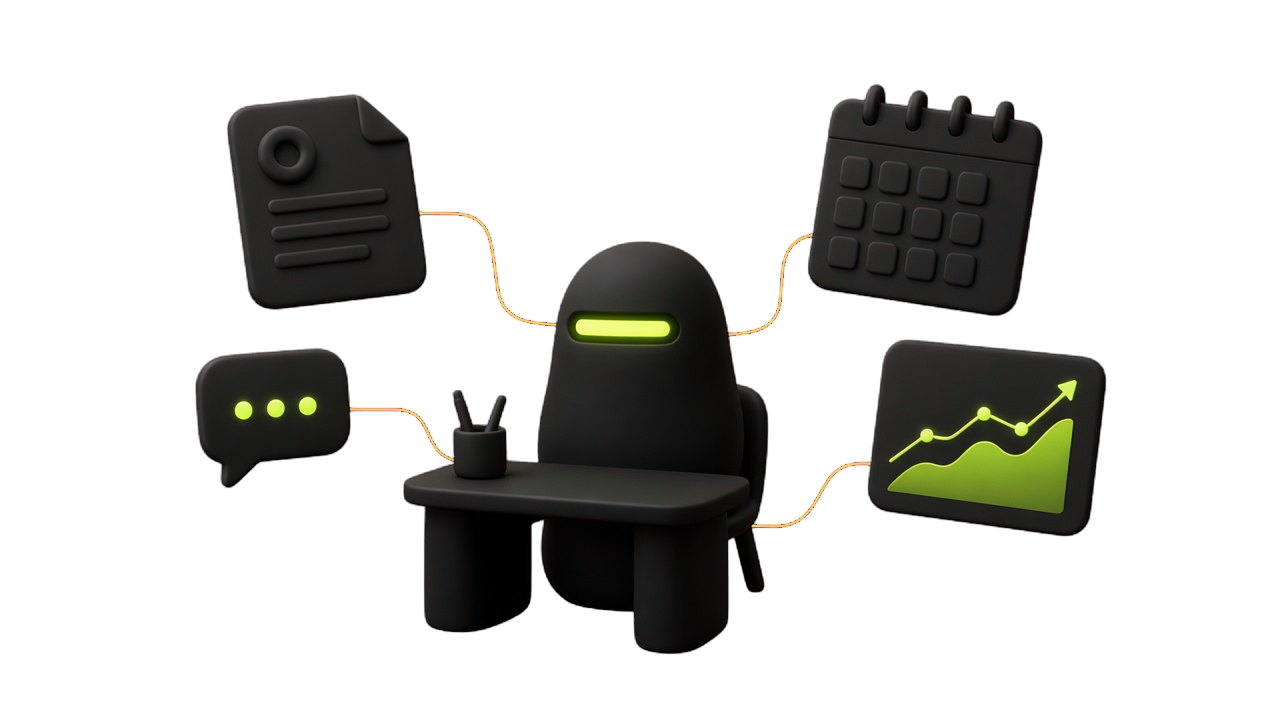
Task completed · Example interaction
Review these invoices and tell me which are overdue.
I reviewed the invoices and prepared a list of overdue payments, including amounts and due dates.
Familiar tasks from a working day — not generic AI promises.
Organize files, review documents, extract information, and prepare reports.
Example “Find the invoices that are still unpaid.”
Read the inboxes you connect. Draft replies in your tone. Sends wait for you.
Example “Draft a reply to this vendor about the late invoice.”
Read the books and files you point to. Open a page or a program when you say so.
Example “Look at last month’s books. Who still owes?”
Put a job on the board once. He runs it and reports to the inbox.
Example “Every Monday, summarize last week’s invoices.”
People already know chatbots. Noku is a worker you hire.
Noku works from a dedicated office, and can use your computer when you give him access. The connector sits in the tray — instead of only telling you which buttons to click.
Give Noku an objective, let him work through the process, and review the result.
You choose the folders, mail, and connections he can see. A change, a send, or an open waits for you.
A list, a draft, a file, a report in the inbox — not just a paragraph of advice.
Three steps. No new tool to learn.
Describe the task in plain language.
He uses his computer and the tools you’ve authorized.
See what was completed, inspect the output, and decide what happens next.
You’re hiring a worker. Here’s what that costs.
€29/ month
One person. Add colleagues as seats.
Hire Noku€79/ month
Three people, more room, more included AI.
Get more capacityLet’s talk
A larger team, more Nokus, or your own server.
Email usColleagues share one office. Extra people are €19/mo each. Cancel anytime by email.
Tell us the first task you want Noku to take on.
Your office is ready, usually the same day.
One invoice a month. Cancel anytime by email.
Privacy, permissions, and what Noku can actually do.
No. Each Noku’s work stays separate from other customers.
He can work in the office you hire, read the books and files you point to, handle mail you connect, and run jobs you put on the board. He can open a page or a program when you approve. He is not a generic web browser, and he does not work without the tools you authorize.
Looking can run. Changing a record, sending mail, opening a page, or running a program waits for you in chat. You can let him keep going for a few hours if you want.
No. They stay on that computer. Noku asks by the name you gave the connection. We never receive the secret.
Passwords and connection secrets stay on that machine. The text of a task is sent to the AI on your worker — our included model, or the provider whose key you connect — so Noku can do the work.
Most teams are up and running the same day. Email us with a first task and we will set you up.
Give your first task to your new digital worker.
Hire Noku